Inventory
Your inventory, parcel by parcel
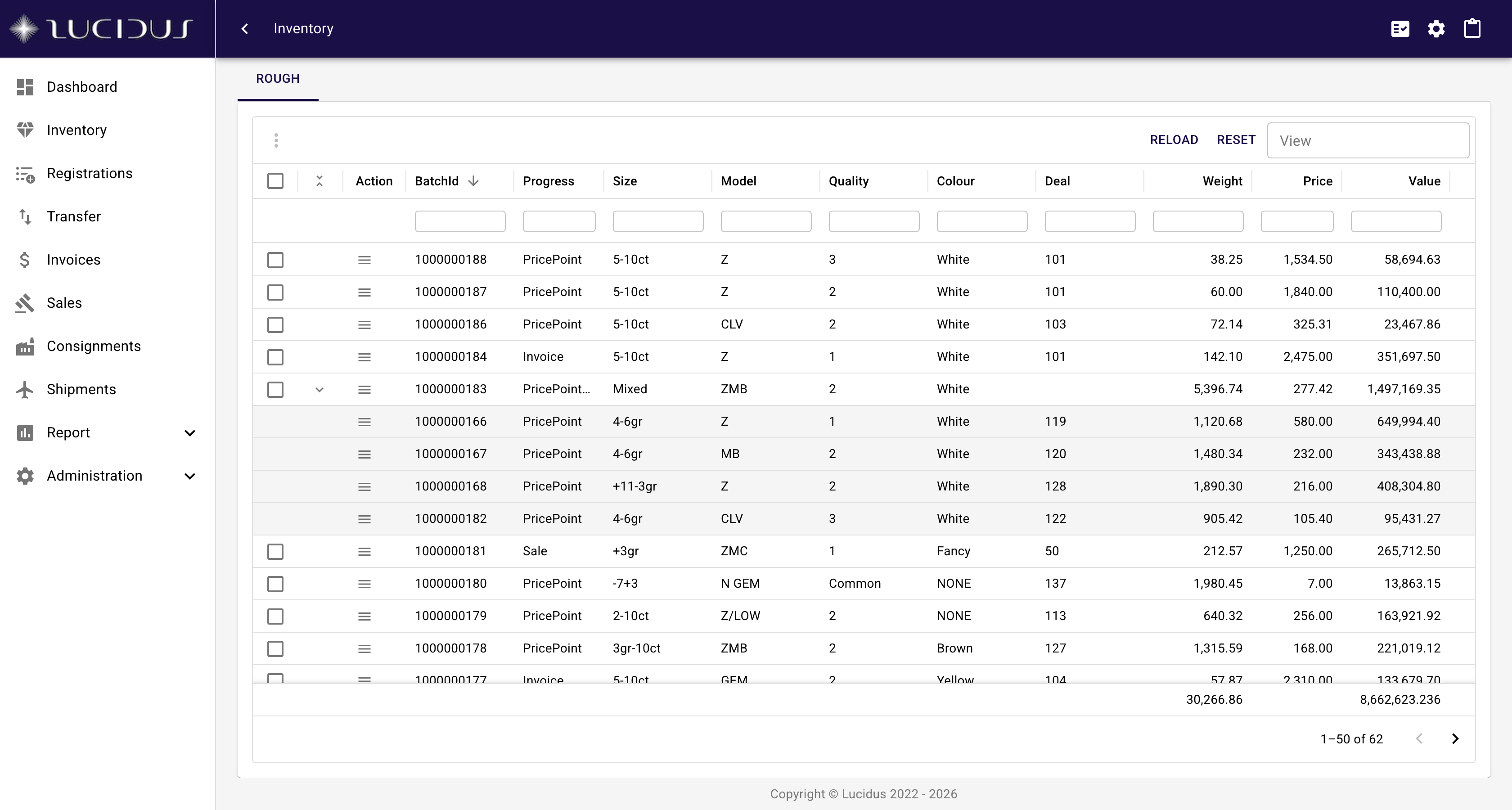
One central view of the whole stock. Every parcel carries its weight, price, deal, location, attributes and status, and every operation on the goods starts from here.
- Box and unbox, group and ungroup, split and mix parcels without losing their lineage
- Valuation and sorting built in, from price-point splits to the cut-off process for bulk goods
- Check-in and check-out, check weights with tolerance thresholds and approvals
- Label printing, Excel export and saved views per user
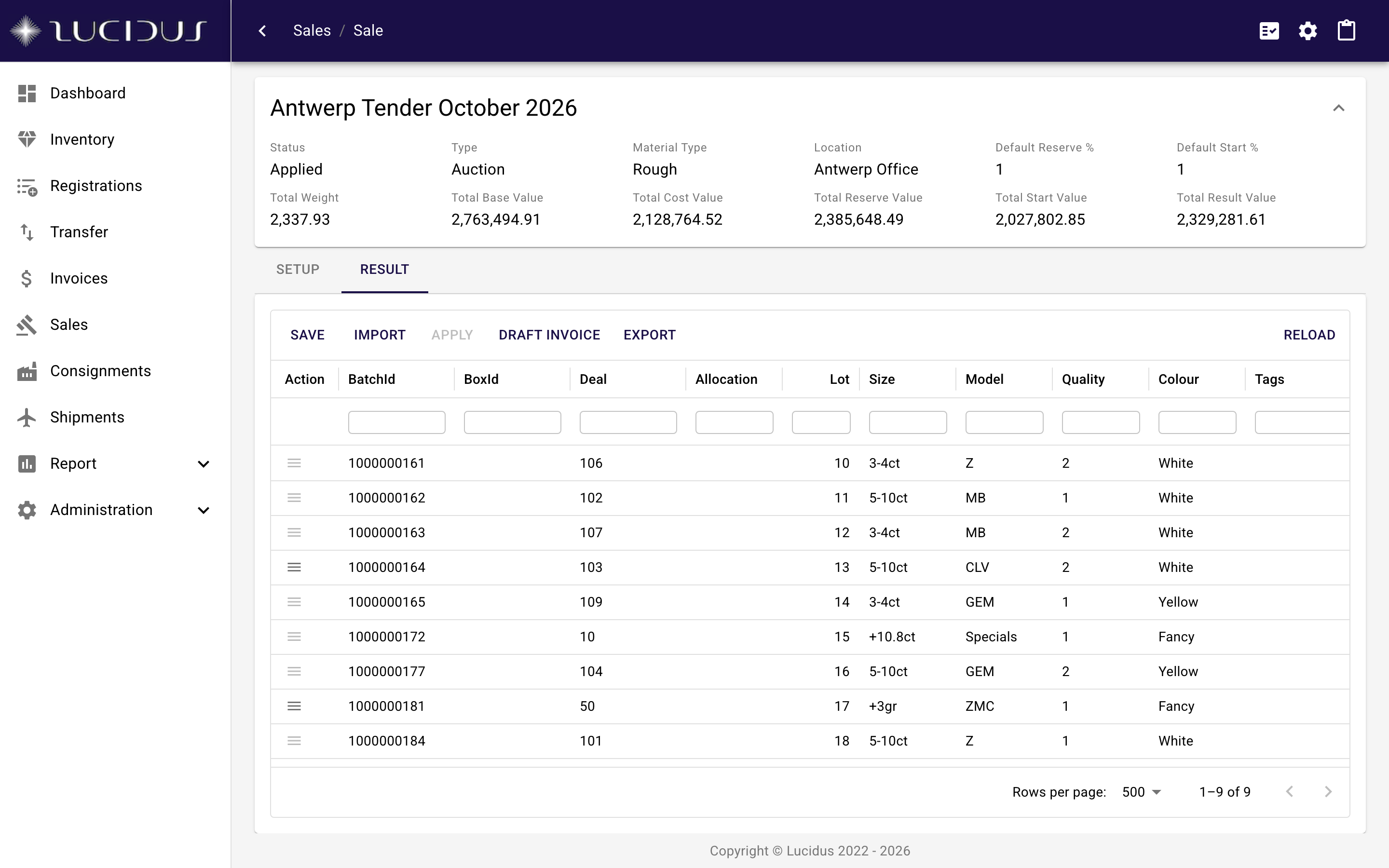
The inventory view is the central overview of everything the company holds. It shows the stock of a material type at parcel level, grouped the way the business thinks about it: by box, by deal, by location, by sale. Boxes expand to show the parcels inside them. Columns are configurable and views are saved per user, so a sorter, a valuer and an accountant each see what they need.
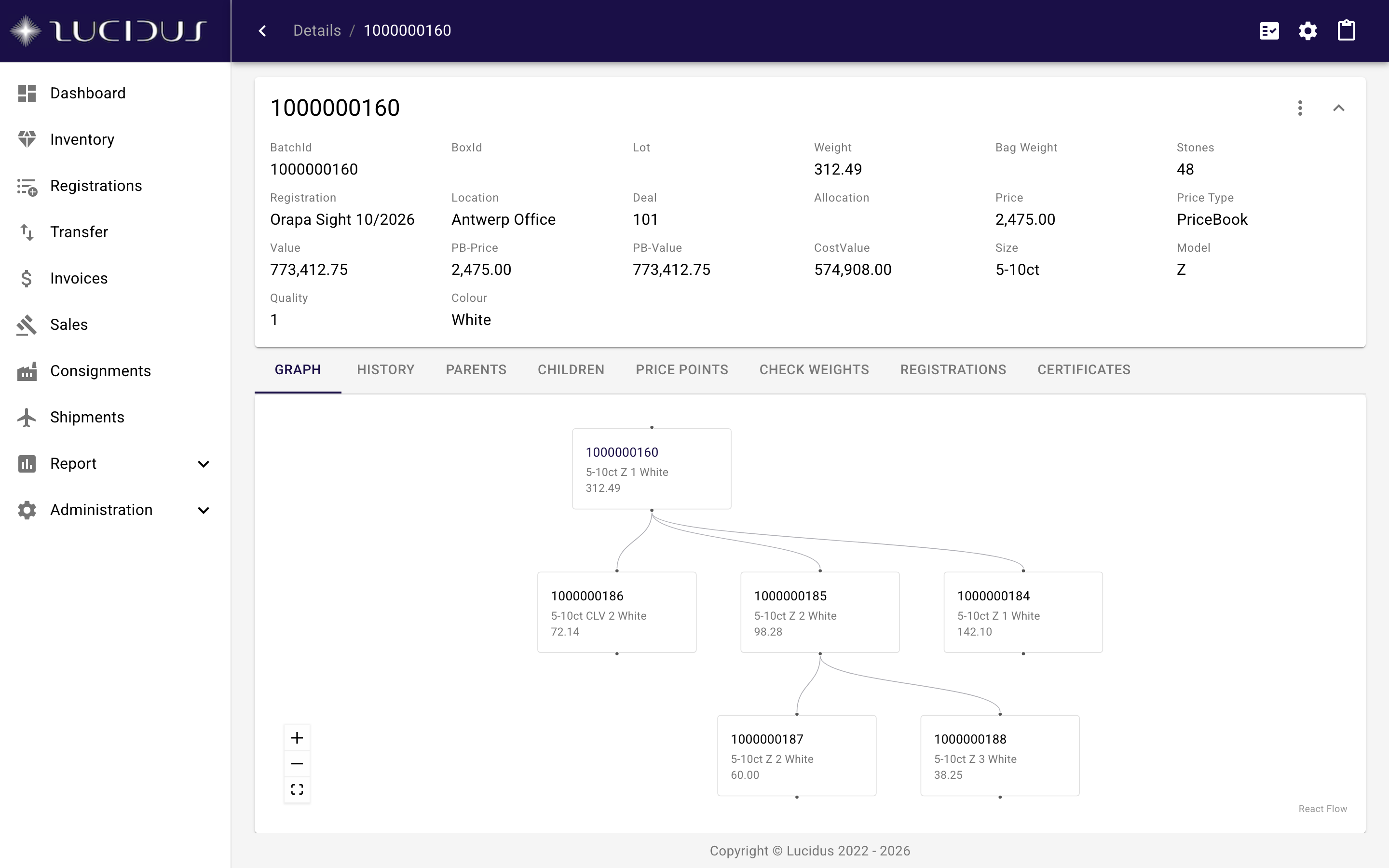
Every operation on goods starts from this view. Box parcels together for a sight, split a parcel into price points, mix leftovers into a new parcel, check goods out to a cutter and back in again. Each action creates new parcels linked to their parents, so nothing is ever overwritten and the history stays intact.
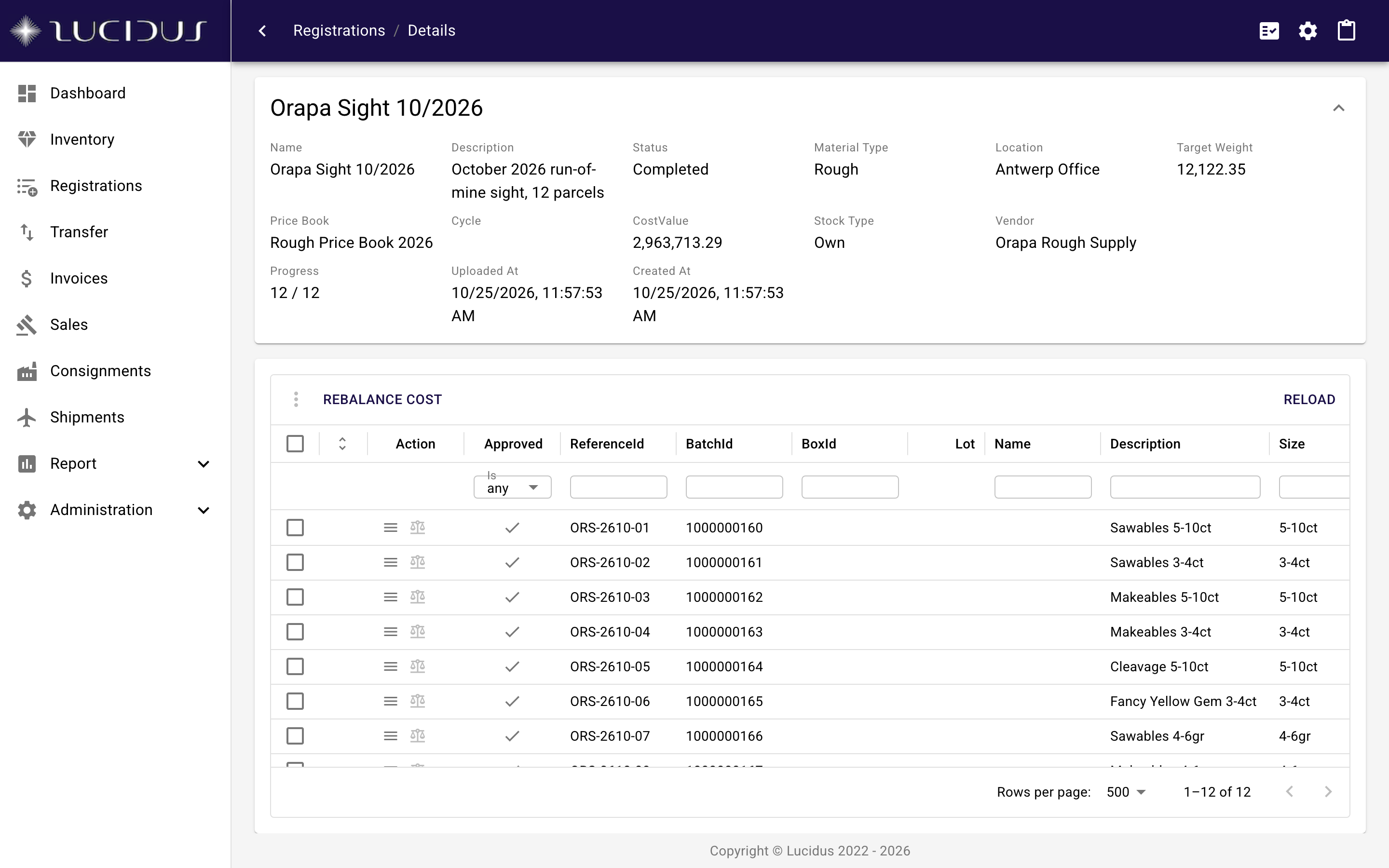
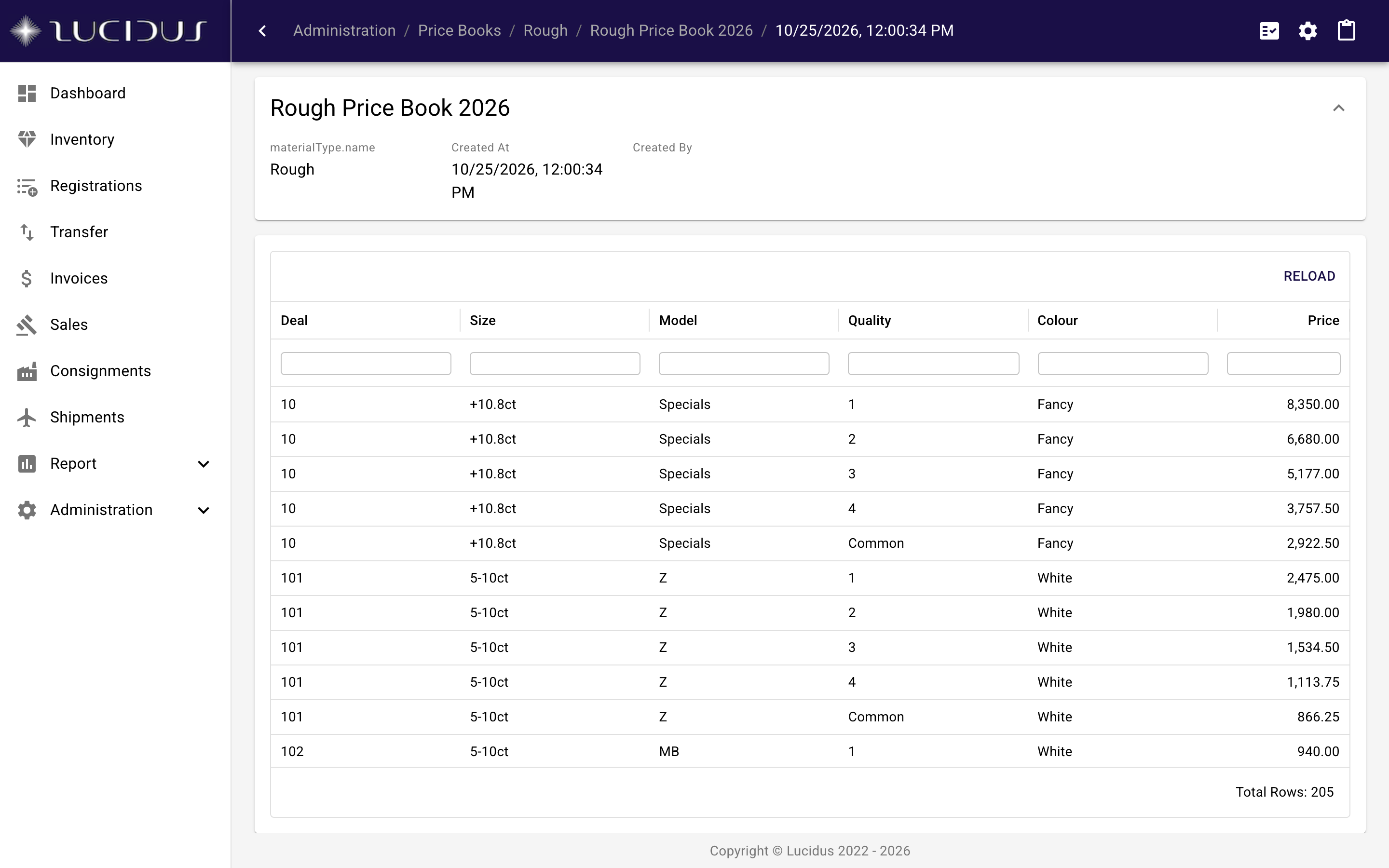
Valuation and sorting are part of the process, not a spreadsheet next to it. A parcel is sorted into price points with the price book applied to each one. For large quantities of small stones, the cut-off process sorts a representative sample and applies its result to the whole quantity.
Weights are first-class. A check weight compares the current weight against the recorded one, applies the configured tolerance threshold and routes deviations to an approver. With the Workstation agent the weight comes straight from the scale.